🗂️ General record-keeping obligations
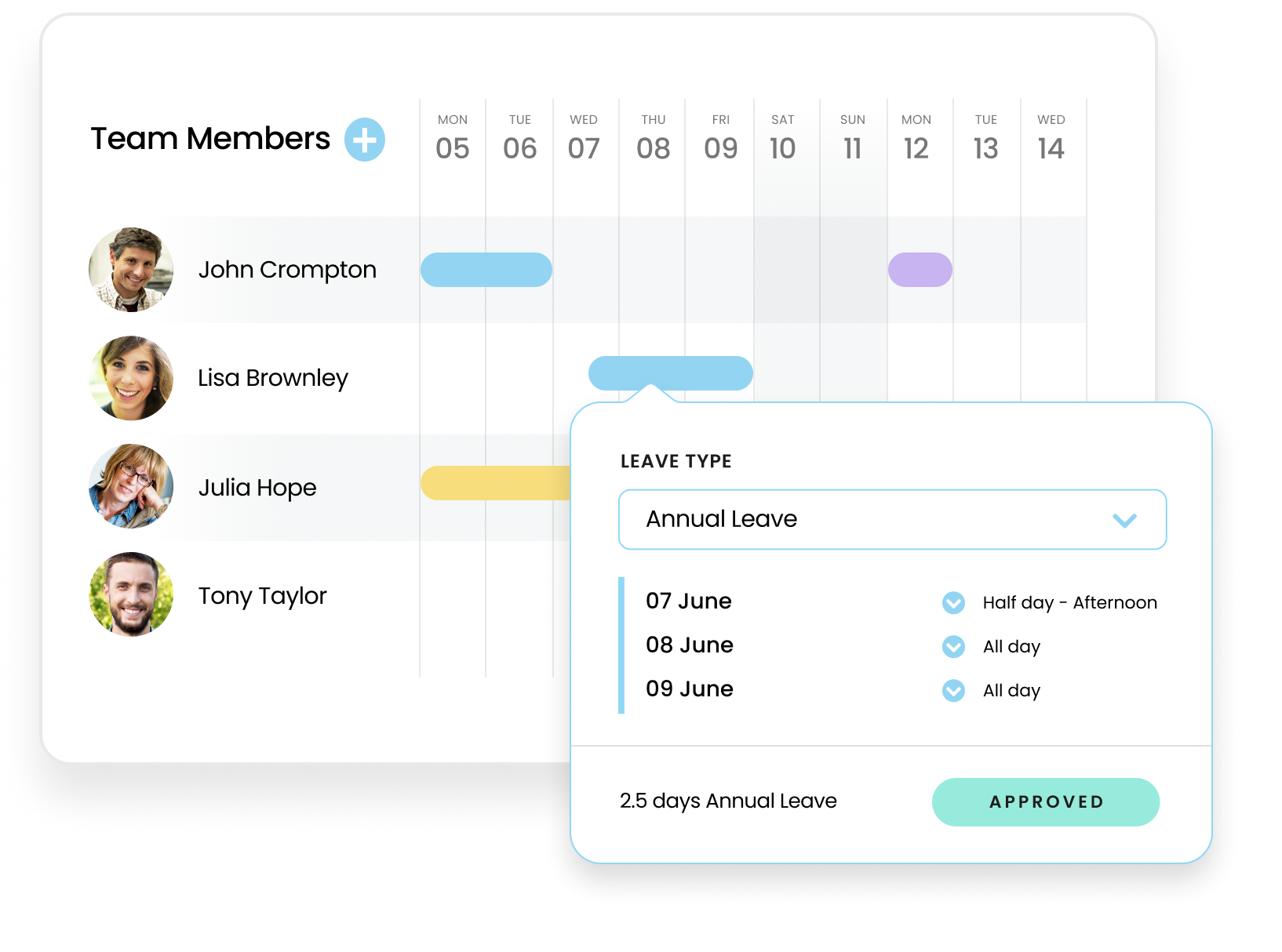
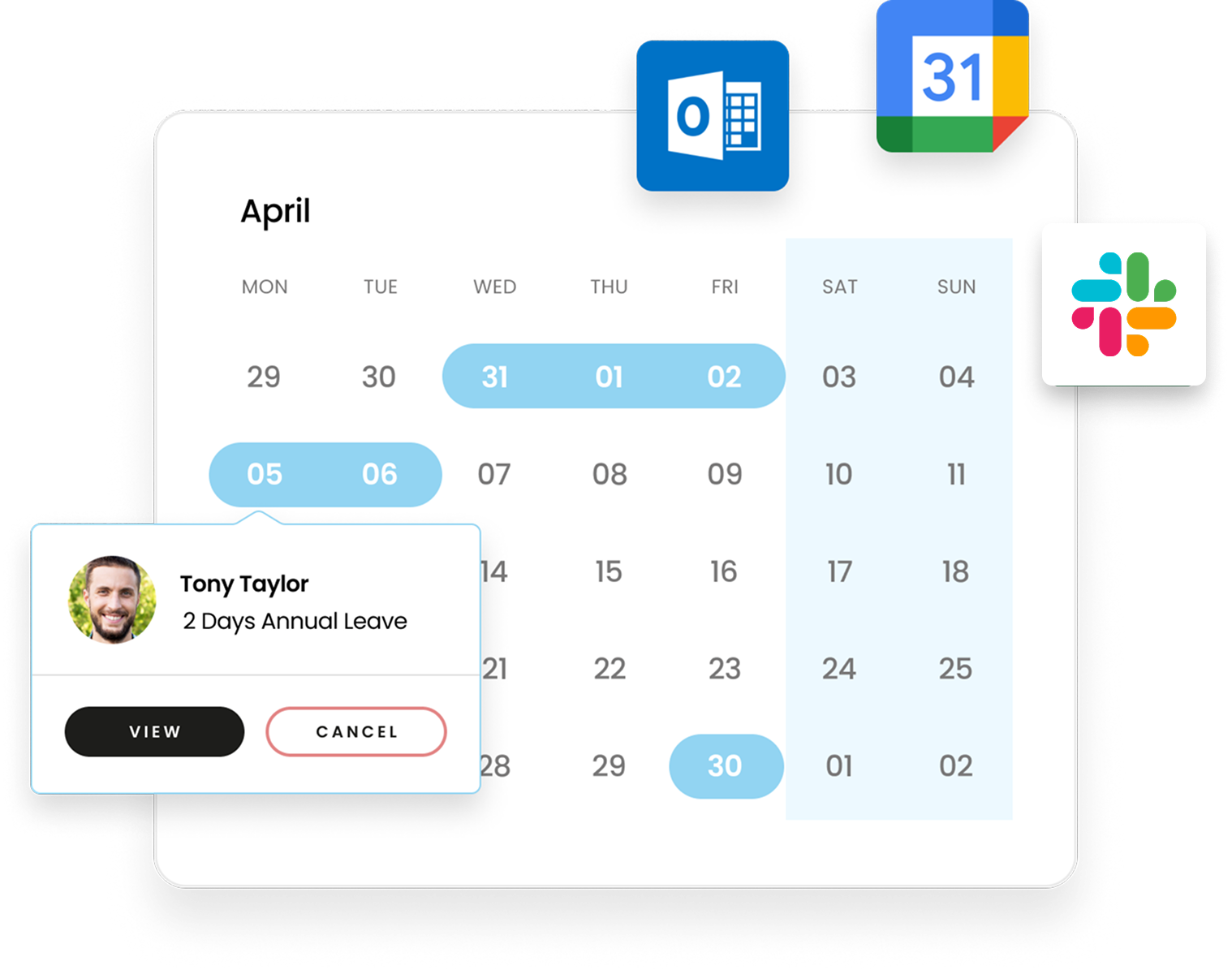
Employers have an obligation to maintain all absence records and relevant documents, such as fit notes, accurately and comply with regulations. Leave Dates lets you store your team’s absence records, documents, and communications in one convenient place.
🌴 Statutory annual leave
Most people employed in the UK are entitled to 5.6 weeks of paid annual leave per year.
Full-time workers will usually have at least 28 days off, including bank holidays; part-time employees receive the pro-rata equivalent.
🔁 Annual leave carry over
Some workplaces may offer unused leave carry over to the following year. This can happen if an employee is unable to take leave due to sickness, or perhaps the projects they worked on required more time during the previous leave year.
🤒 Statutory sick pay (SSP)
When an employee is on sick leave, their records must be kept accurate to ensure they receive their leave and SSP entitlements and to maintain compliance records correctly.
⚠️ Emergency leave
Also known as Time off for Dependants, employees in the UK have the right to take reasonable unpaid leave to attend to emergencies involving dependants. This can include childcare, medical emergencies, serious illness or bereavement.
⚖️ Public duty leave
The most common reason for taking public duty leave is being called for jury duty. These instances can be rare, so an absence management system makes it easy to avoid overlooking them.
👪 Parental leave
There are several types of leave designed to help new parents:
Each type of parental leave had different allowances and requirements, using an absence management system is highly beneficial for ensuring people can take the leave they're entitled to.